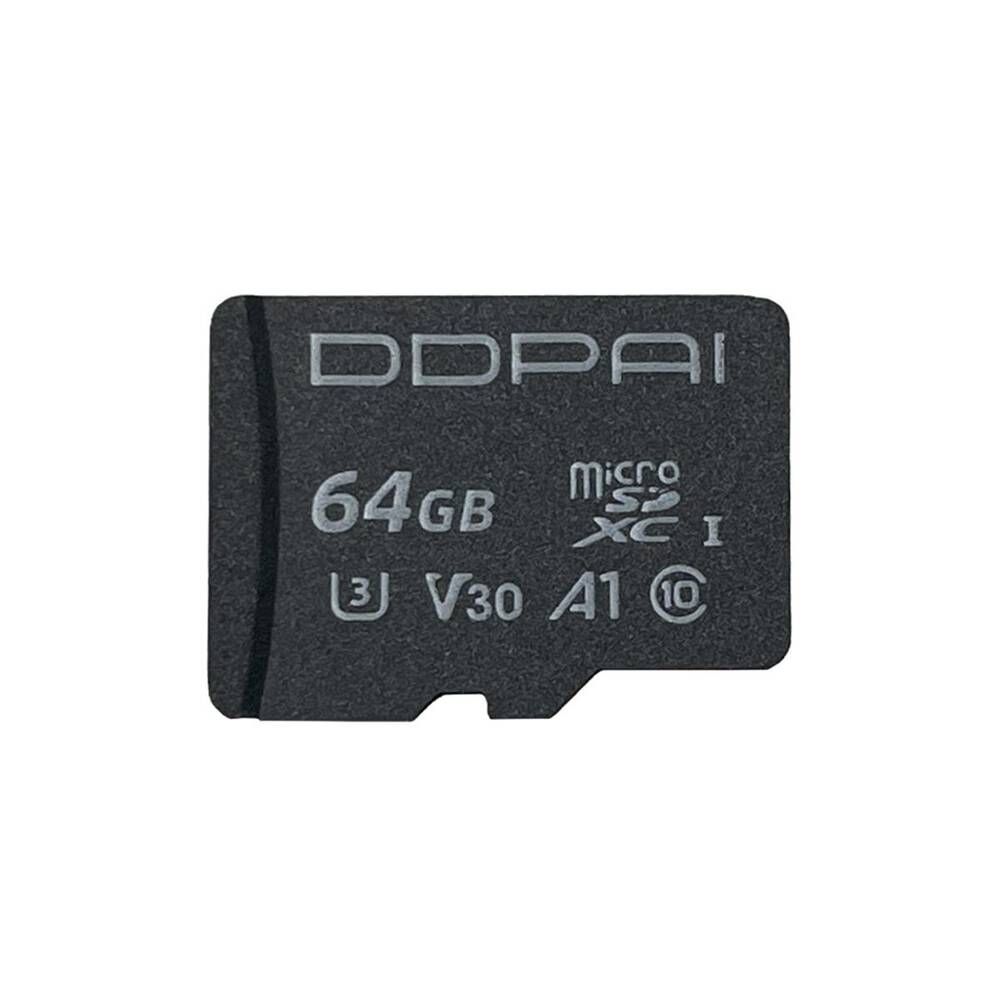
DDPAI MICRO SD CARD (CARD ONLY)
Share
$125.00
Sold out
Size
Please choose
Sold out
DDPAI MICRO SD CARD (CARD ONLY)
Share
Product details
Brand: DDPAI
Recommended Capacity for Dash Cam
The table below provides a general guideline on the recording duration you can expect based on the resolution of your dash cam and the capacity of the SD card:
| Resolution | SD Card Capacity | Recording Duration |
|---|---|---|
| 4K | 512GB | 36 hours |
| 256GB | 18 hours | |
| 128GB | 9 hours | |
| 64GB | 4 hours | |
| 32GB | 2 hours | |
| 2K | 512GB | 56 hours |
| 256GB | 28 hours | |
| 128GB | 14 hours | |
| 64GB | 7 hours | |
| 32GB | 3 hours | |
| 1080P | 512GB | 72 hours |
| 256GB | 36 hours | |
| 128GB | 18 hours | |
| 64GB | 9 hours | |
| 32GB | 4 hours |
These numbers provide a rough estimate and should serve as a reference when choosing the appropriate SD card. However, several factors can influence the actual recording time:
- Number of Channels: Dash cams with front and rear cameras, or even three cameras (front, rear, and interior), will require more storage than single-channel dash cams. The more cameras recording simultaneously, the faster the SD card will fill up.
- Video Encoding: Different dash cams use different video encoding formats, such as H.264 or H.265. H.265 is more efficient and can store more video data in the same amount of space compared to H.264. Check your dash cam’s specifications to understand which encoding format it uses, as this will impact storage requirements.
- Parking Mode: If your dash cam supports parking mode, it can continue recording or monitoring for movement even when your vehicle is parked. This feature can consume additional storage, depending on how often it is triggered and the length of the recorded clips.
- Frame Rate (FPS): The frame rate at which the dash cam records video also affects storage usage. Higher frame rates result in smoother video but consume more storage. Lower frame rates save space but might compromise video smoothness and quality.
Display prices in:TTD